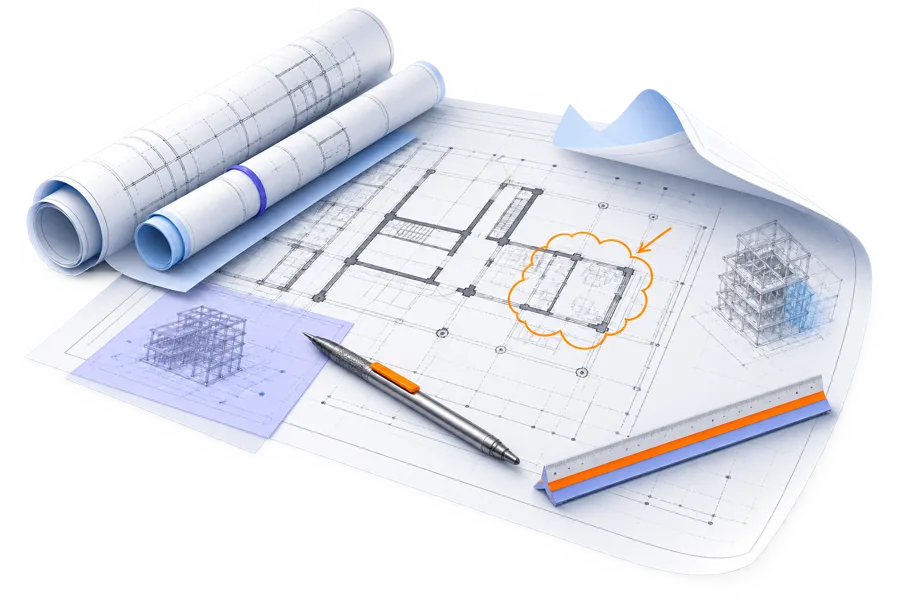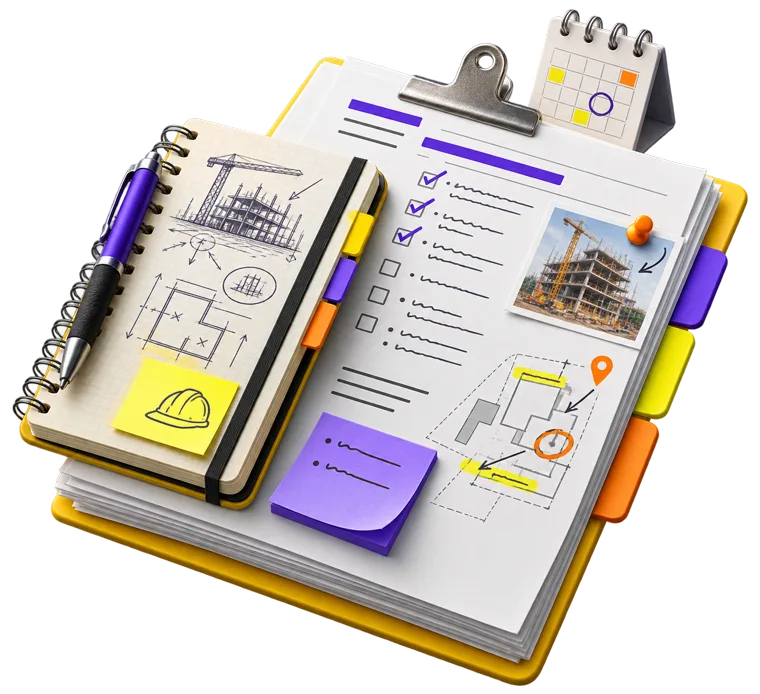

Construction updates clients actually understand.
Give owners, boards, and communities one branded place to see project progress, schedules, documents, and approved updates.
The communication problem
Confused owners create more work.
Scattered emails, technical reports, and outdated attachments turn every update into another phone call. Project Portal gives clients one approved place to understand what changed, what happens next, and whether they need to act.
OpenAI inside a controlled workflow
One source of truth.One place to publish.
Files may arrive from everywhere. Project Portal keeps the approved record, AI draft, review, audience, and final client message together—so your team controls communication from one central place.
OpenAI processing
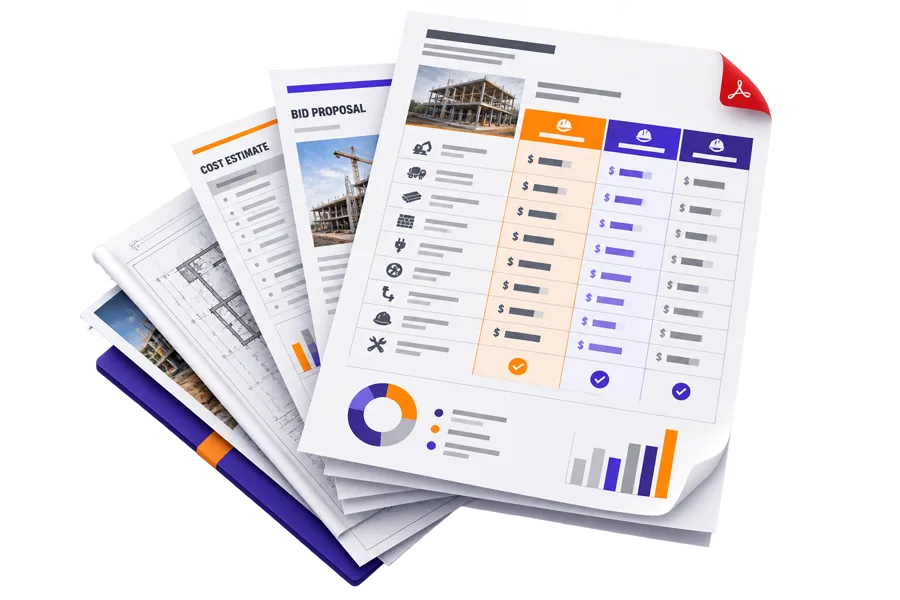
Engineering is complete. Contractor selection is next.
The engineer issued the final repair drawings. HCMC is comparing three contractor bids and expects to make a recommendation at the October board meeting.
Bring in PDFs, drawings, minutes, notes, and private Procore drafts.
OpenAI organizes dates, costs, decisions, and source links.
Your team checks the wording, sources, audience, and supporting material.
Send the approved update to the portal and by email—with history preserved.
The distinction ChatGPT can generate words. Project Portal controls the client, project, sources, reviewer, audience, publication, and history.
Technical language, translated
The engineer writes this.The owner reads this.
Visual review identified corrosion-related section loss at the live-end anchorage and compromised sheathing within the pocket. Recommended repair includes controlled de-tensioning, installation of an encapsulated coupler, replacement seven-wire strand, re-stressing to the engineer-specified effective force, elongation verification, and pocket grouting in accordance with PTI procedures.
One post-tension cable needs repair.
The cable helps support the concrete slab. The engineer found corrosion near one end. A specialist will safely release the tension, replace the damaged steel, and test the repaired cable before the work area reopens.
Sample content for product demonstration. Project Portal does not replace the project engineer’s judgment or report.
OpenAI, with communication control
Project Portal controls what reaches the client.
Project Portal connects OpenAI to each client’s projects, approved records, permissions, review process, publishing, and history—all in one central communication center.
Prepare this week’s owner update. Explain the cable repair, include next steps, and cite the approved sources.
Reading approved project information
Post-tension cable repair is being prepared.
The engineer identified one cable that needs repair. The specialist will replace the damaged steel and test the cable before the work area reopens. No owner action is needed.
A complete, controlled communication workflow for every client and every construction project.
Centralize client communication
Keep project updates, documents, questions, answers, and email notices together in one controlled place.
Separate every client and project
Give OpenAI the correct approved context without mixing information between clients or projects.
Draft from approved sources
Turn field notes, meeting minutes, PDFs, and project records into a clear, source-cited first draft.
Review before anything goes out
Keep AI drafts private until an authorized construction manager checks the facts and wording.
Publish once from one place
Send the same approved message to the portal and by email without rewriting it in multiple systems.
Control every audience
Choose what owners, boards, contractors, and project teams can see—down to the individual update or document.
Find communication gaps
Log unanswered questions and reveal what clients need explained before confusion becomes a distraction.
Preserve a complete history
Record the source, draft, edits, approval, audience, and publication for every client communication.
The difference is the system around the AI. Project Portal keeps every source, draft, approval, audience, published update, and client question attached to the correct client and project.
Your communication command center
One place controls every client communication.
Bring construction records, private drafts, approvals, audience permissions, portal updates, and email notices into one controlled system. Nothing reaches a client until your team decides it is ready.
Client + project record
Documents, decisions, schedules, field notes, questions, and approved facts stay attached to the right project.
One source of truthPrivate communication workspace
Write updates, import Procore information, and use OpenAI to draft from approved project sources.
Not client-visibleReview + audience approval
Check the facts and wording. Decide whether owners, boards, contractors, or specific people can see it.
Authorized reviewReach the community in a few clicks
Choose the audience, approve the message, and publish to the portal and email at once—so the community gets one clear, consistent update.
Portal + email deliveredBuilt for project teams
Less explaining. Better informed clients.
Show progress by project
Give every construction project its own progress bar, schedule, documents, photos, and status updates.
Publish once. Answer less.
Send one approved update to the portal and by email. Clients always know where to find the latest information.
Control every audience
Owners, boards, contractors, and project teams see only the information assigned to their role.
Use AI without guessing
The assistant answers from approved project records, cites the source, and logs questions it cannot answer.
Stage Procore updates first
Import project information as a private draft. Review and edit it before anything reaches a client.
Add people in minutes
Paste email addresses or upload a CSV. Review roles, remove duplicates, and send invitations.
Complete feature list
Everything your team needs to keep clients informed.
From first project to final publish, this is every function available on the platform. For contractors, GCs, owners reps, and management teams managing several projects at once.
Clients + projects
- ✓A separate branded portal for every client
- ✓Multiple active projects inside each portal
- ✓Progress indicators for every project
- ✓Living timelines, milestones, and schedules
- ✓Project documents, photos, and status updates
Communication
- ✓One central client communication center
- ✓Private draft → review → approve → publish workflow
- ✓Portal and email publishing from one update
- ✓Audience selection by project, role, group, or person
- ✓Calm, curated owner and board communications
OpenAI assistance
- ✓Plain-language drafts from approved project records
- ✓Answers limited to approved project information
- ✓Source citations with supported answers
- ✓Unanswered-question logging
- ✓Question trends that reveal communication gaps
People + access
- ✓Owner, board, project manager, admin, and super admin roles
- ✓Bulk invitations by pasted email list
- ✓CSV contact uploads
- ✓Duplicate detection and role review before inviting
- ✓Content-level visibility controls
Administration
- ✓Self-service client and project creation
- ✓White-label branding and community setup
- ✓Complete activity and publishing audit history
- ✓Procore information staged as private drafts
- ✓Subscription, portal, and active-project management
A controlled publishing workflow
From Procore to a client-ready update.
One controlled path from project record to client communication
Private until the final stepBring in the facts
RFIs, observations, schedules, photos, and approved records enter a private staging area.
HCMC onlyCreate a clear update
Use OpenAI to turn approved project information into plain-language client communication.
Private draftCheck facts + audience
A project manager confirms the message, supporting sources, and exactly who should receive it.
Awaiting approvalPortal + email
One approved update reaches the selected community members and remains easy to find.
Client-visibleInteractive construction portal
See exactly what every role sees.
Explore Ocean 88 as an owner, board member, project manager, HCMC administrator, or platform administrator.
Open the live demo →Balcony stack 04 mobilization is complete. No owner action is required at this time.
Start with one real project
Build your first easy-to-use, client-focused construction portal today.
Create the client, add the projects, invite the team, and keep everything private until you publish.